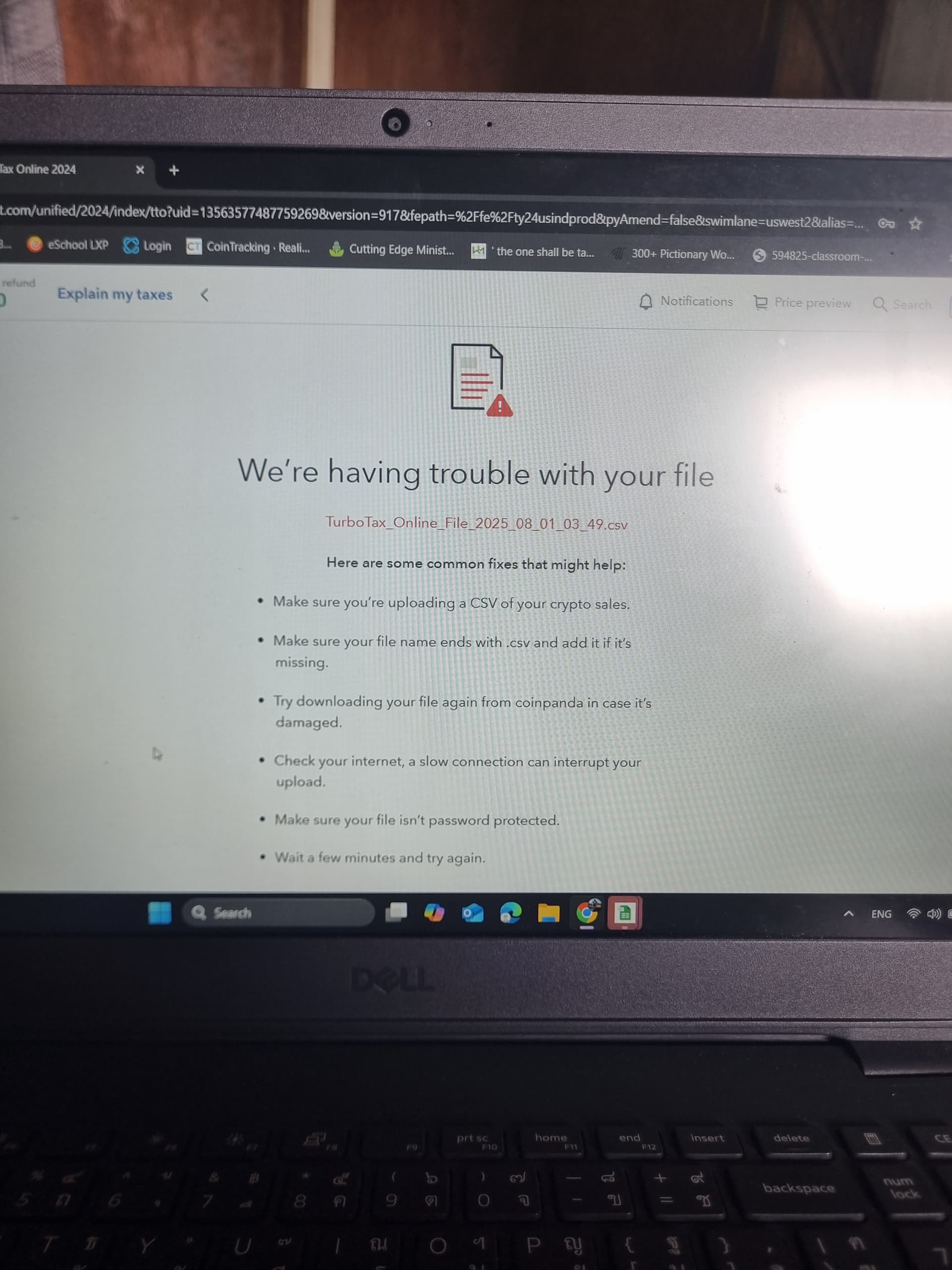
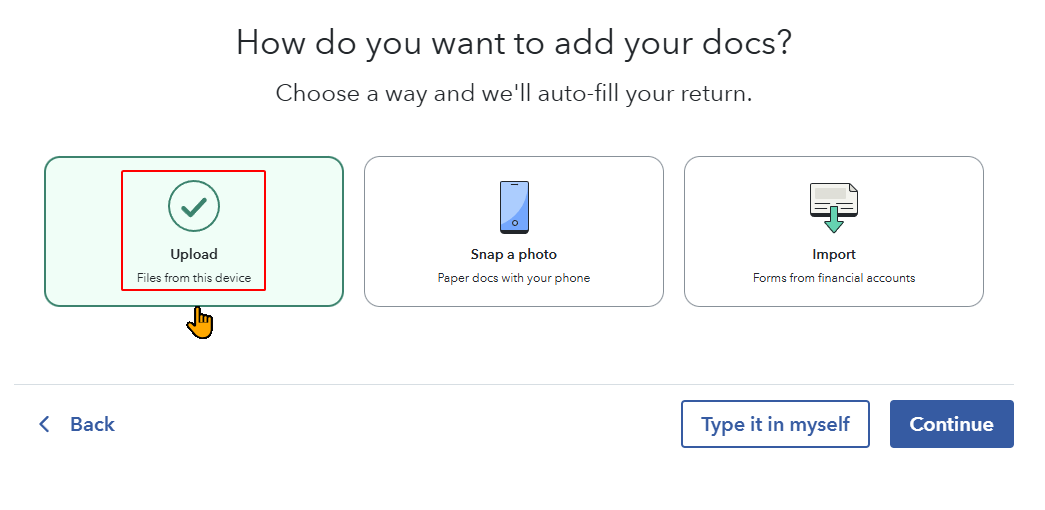
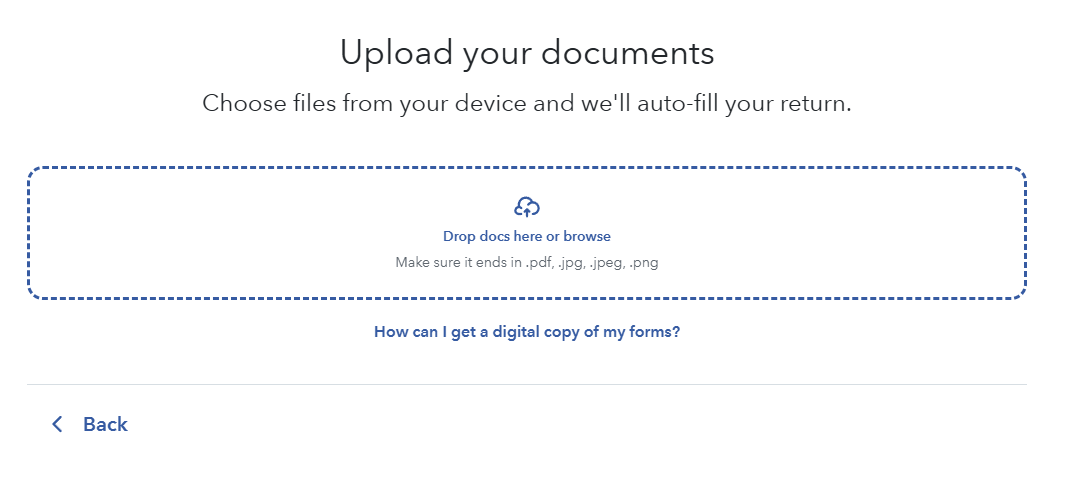
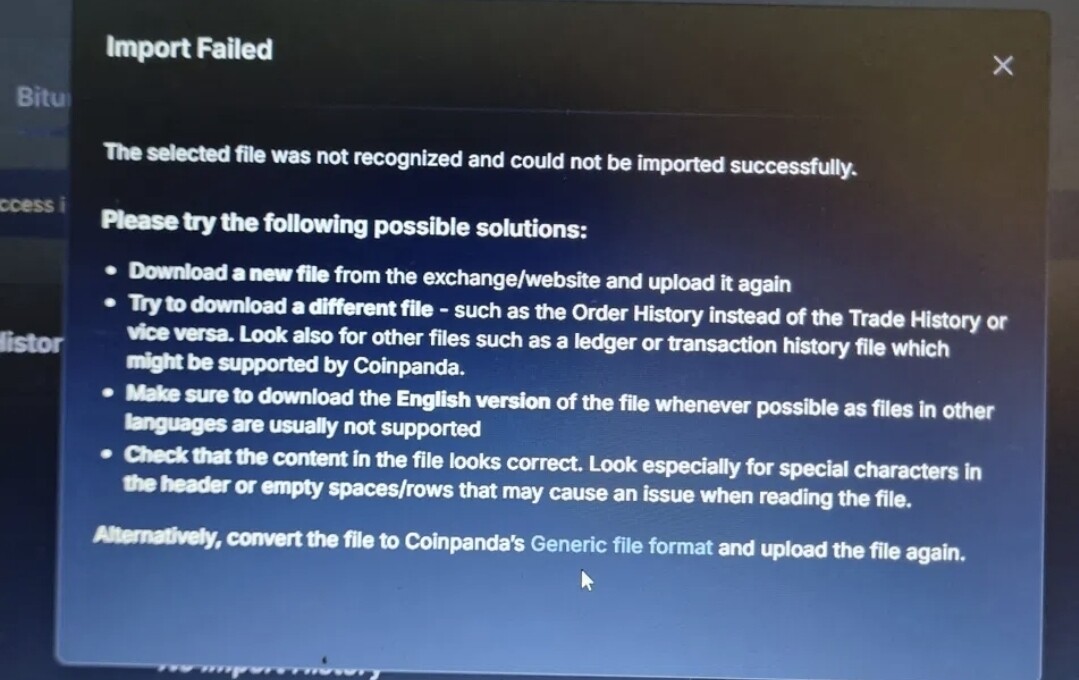
I’m having trouble uploading my 2024 CSV capital gains tax forms to Turbo Tax.
I keep receiving error messages each time i try to upload…
When filing for my 2023 taxes, uploading was seamless, but uploading tax forms for 2024 tax season into Turbo Tax is not working, at all. Im not the most tech saavy either…
Could anyone assist me in understanding why this occuring?
I had a look at your Turbotax file and I found the issue. It looks like there was a glitch with the header row. This is the first time I’m seeing this happen to one of our CSV files
Fortunately I was able to fix the file, so I’ve sent a copy to your email address.
I also notified the dev team about this, because I was able to observe the same glitch on my test account.
The issue is that the " symbol in the top row got duplicated
It should actually look like this:
Anyway, I’ve sent you the fixed version. Let me know if you got it
No worries on the delayed reply, thank you for replying and working on my situation.
Fortunately, I was able to download the turbo tax desktop version (paying $50 bucks extra…)
And, i was able to upload the TXF file required by Turbo Tax desktop and that actually worked! I was able to complete all my taxes and file, taxes accepted as of yesterday.
I really like coinpanda and its UI. Its simple and effective. Dashboard and all tab are easy to navigate.
My only gripe would be for coinpanda to make a YouTube tutorial video explaining how to upload necessary tax forms.
In 2023, I was able to successfully file using coinpanda but following CoinLedgers YouTube videos, and it worked, however it would be super helpful to us ‘less than tech and tax savvy’ users. This year was harder because I kept running into the glitch that you discovered.
That said, I will be back in 2026 to purchase coinpanda again, Lord willing next years filing goes smoother without glitches.
I’m back for filing my 2025 taxes (am a bit behind as I had to filed an extension- but here i am ready now…).
I’m hoping to have some clarification on coinpandas CSF file for uploading to Turbo Tax. My lack of tech savvy’ness hinders my understanding.
I had to use Claude A.i for help, I copy pasted its response below.
Question 1: what specific export type do they generate, and is Coinpanda a named/supported source in TurboTax’s dropdown?
Question 2: is this years process the same as it was previously where I create a CSV file and upload it to Turbo Tax? Or is it PDF, or another file type?
If you could, please advise or update me on any new developments since the previous tax filing year.
Turbotax made quite a mess this year when they abruptly disabled CSV uploads without providing any information for how people should import their data. You can check out this post on their forums to see how that went.
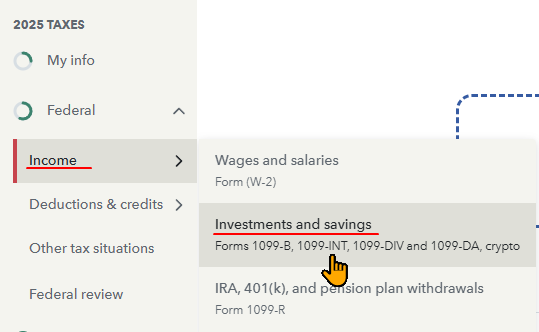
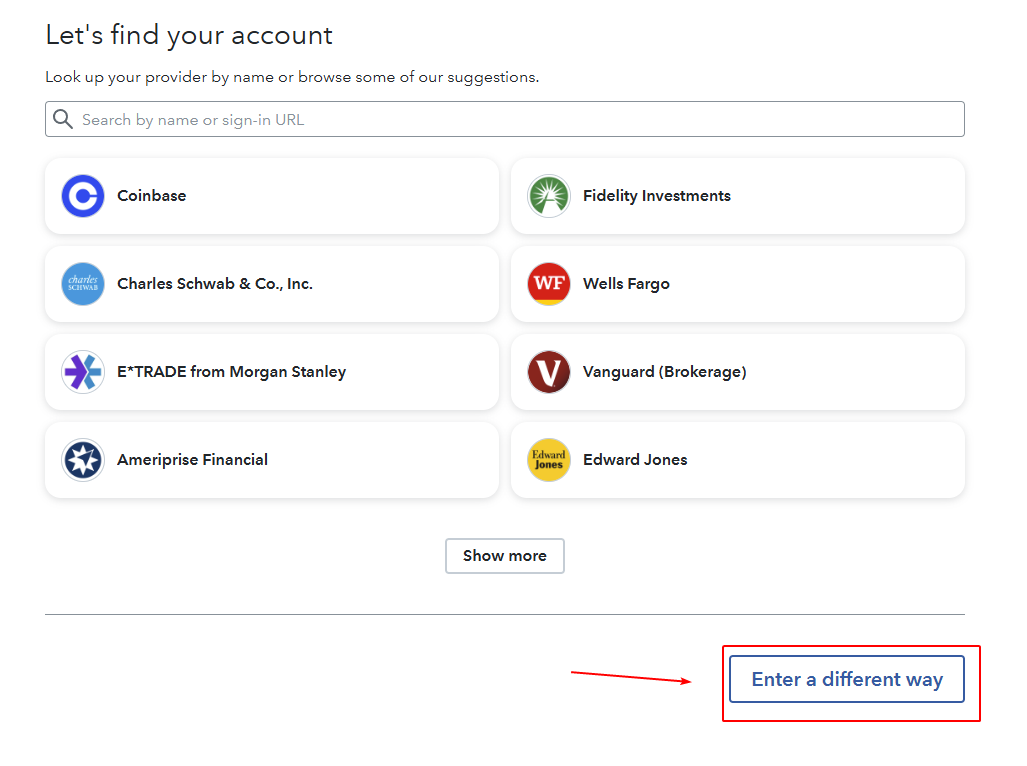
The Turbotax website itself has also changed their user interface, so things look different than before.
The process has changed a bit, mainly because the IRS now requires US-based exchanges to file a 1099-DA form. In accordance with this, the 8949 and Schedule D forms are filled differently than before. Specifically, the capital gains information from US-based exchanges is reported separately from non US-based exchanges. On the IRS forms there are different checkboxes to indicate this, so the information is put on different pages according to which box is ticked. (If you generate your IRS forms directly from Coinpanda, all of this will be done automatically)
Turbotax needed to update their import system such that the files had a new column to denote which checkbox needs to be ticket for each disposal. I just checked, and at this time Turbotax still does not accept CSV files. To solve this problem we created a PDF version instead, which they do accept.
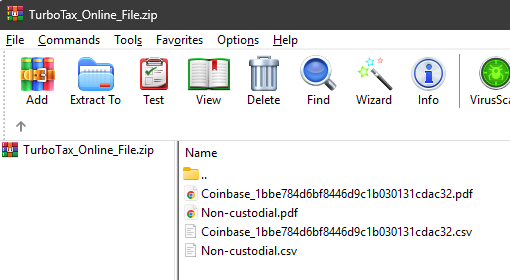
In practical terms, when you generate your Turbotax Online file from Coinpanda now, you will receive a ZIP file. Inside of this ZIP file you will find both the CSV and PDF versions of the files you need to upload. There will be separate files depending on whether you have US or non-US exchanges, and also a separate file for non-custodial wallet transactions.
The PDF files in our TurboTax_Online_File.zip will work. One issue is that Turbotax can struggle if a PDF contains more than 40 pages. In that case I will have to split the file into parts
If it in Beta then it might not work. Probably not completely at least. But you will need to message the support chat to find out more. You can use the support chat via this icon on the bottom right of the Coinpanda website
I’ve been using Claude A.i to assist. It mentions the following:
“Contact Coinpanda support directly, attach this file, and ask them why their own advertised Bitunix import isn’t working — this may be a bug they need to fix on their end”.
I’m currently at a loss, I recall in 2024, when i tried uploading my exchange csv file, the header excel columns duplicated or something and you were able to fix for me and provided the fix.
It looks like Bitunix has a new CSV format. I haven’t seen this one before and it’s not supported yet. I can help you, but you would need to contact support directly because I can’t send you the file via the forum.
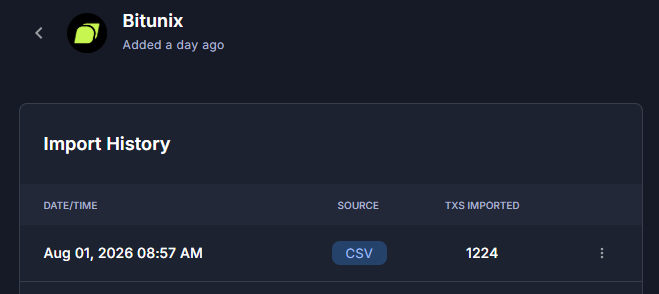
Anyway, in this case I already identified your account internally, because the system flagged the failed CSV upload. I converted the file to Coinpanda Generic format, and uploaded it to your Bitunix wallet. It looks like the file is missing some transaction history before 2024-12-31 though
One issue you might have though is that some of the coins already share the same name with others. So from your Bitunix file I couldn’t tell exactly which coin it is supposed to be. You’ll need to check your account and let me know if any of them are identified as the wrong coin. I can change the CSV again afterwards.
I should add that this file from BItunix is missing the seconds from the timestamp, which creates problems if a Trade occurred shortly after an incoming transfer. Without the seconds, those timestamps will be on the same minute and it becomes impossible to determine which came first.
I see this issue in Bitunix files from other customers too
I already fixed this manually in the file I uploaded to your account though
Thank you so much for the fix Ruben. I see the update in my dashboard.
I have another question(s):
I checked my Holdings and noticed two things:
1. Many of my coin balances are showing as NEGATIVE numbers (like -0.29 MOG, -0.57 BTT) instead of positive. Is that expected?
2. Can you tell me exactly which coin tickers were ambiguous, so I know which ones to double-check for accuracy?
3.If none of my transactionsappear ambiguous to me, may I proceed to migration settings (complete the per-wallet cost basis switch)?
Please let me know what you need from me to fix these. Thank you so much
ALso, I have the customer service chat bpx open, I was going to send this inquiry there but it doesn’t me any specific direction… (sry for my ineptitudes)
iIs it okay to proceed here? I do understand that any files must go through the customer chat box.
Please advise, your ongoing help is always greatly appreciated.
The transaction history in your Bitunix CSV appears to be incomplete. It only contains 1 year worth of transactions from 2024/12/31 23:07. That is likely why you have negative balances.
You will need to export a complete transaction history from Bitunix
For all the coins in the Bitunix CSV, here is a list which have more than 1 with the same ticker symbol on Coingecko:
Coin
Amount
PEPE
19
AI
12
BTC
8
DOGE
6
ONE
6
SKY
6
WIF
6
BRETT
5
GME
5
BONK
4
ETH
4
MOG
4
WIN
4
MON
3
TRUMP
3
XRP
3
ADA
2
ALGO
2
FARTCOIN
2
SOL
2
SPELL
2
TRX
2
USDC
2
USDT
2
YFI
2
The migration settings can be configured regardless of the other issues
I just saw your message in the support chat so we can continue there. Leave the checking of the coins until after you’ve gotten a complete history from Bitunix