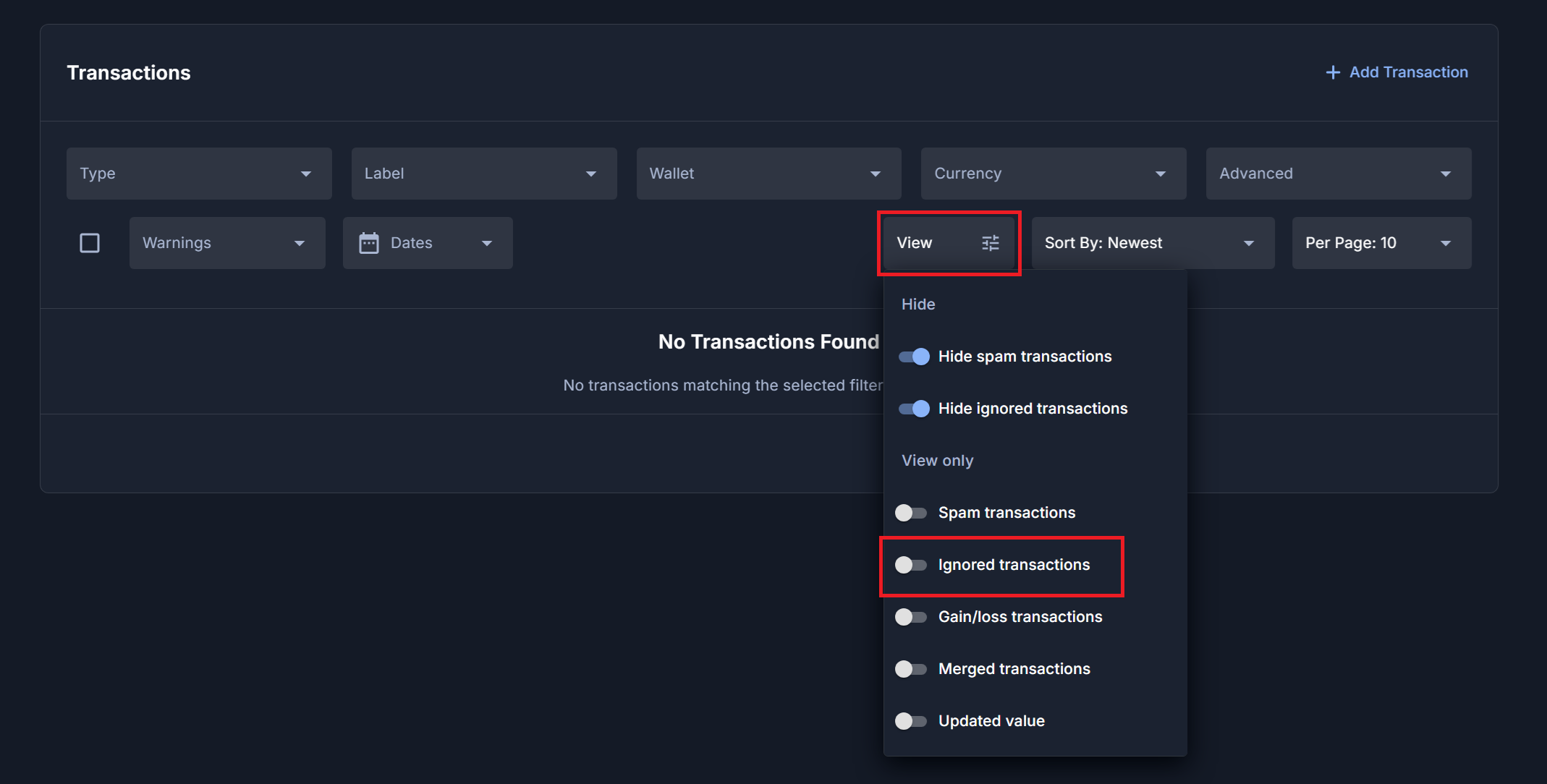
When i “ignore” transactions the little grey description icon is still shown next to the transaction, but when i hover over it the details are not shown. If i want to see the transaction “details” note i am forced to “reenable” the transaction in order to read it.
can you change it so the description is still shown on ignored transactions? it is helpful to see my notes as to why i chose to ignore it.
Just wanted to let you know that the dev team confirmed they will definitely fix this. They are working on an optimization update for the transaction page as well, so it will probably be rolled into that.
The transaction page is now technically live-updating, but we want to get it to the point where there is no visible delay